Overview
What Restaurant Management does for your business
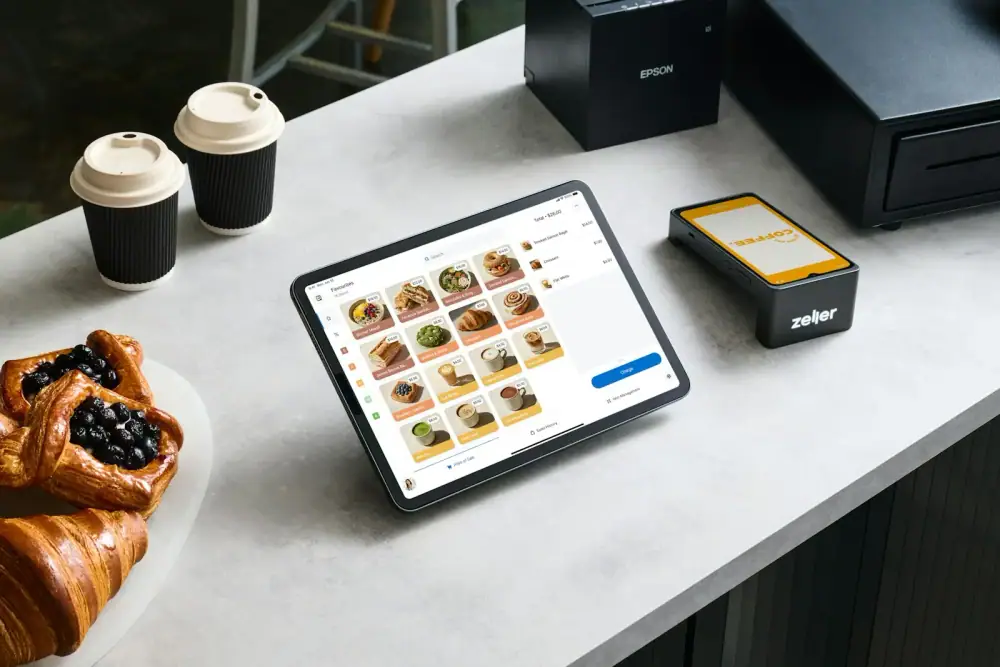
Restaurant Management connects the dining room, the kitchen, the cashier and the back office in one system. Orders are taken per table, sent straight to the kitchen, and turned into a bill without anyone rewriting a thing.
It also covers menu, ingredient stock, purchasing, suppliers, staff and reports, and it can serve more than one restaurant from the same platform.
Highlights
The main things Restaurant Management does
The essentials at a glance. The complete list is further down the page.
Tables & orders
Manage tables, take orders per table, add items to running orders and follow each order's status.
Waiter workflow
Waiters take orders from their own login and send them straight to the kitchen.
Kitchen display
The kitchen sees every order in real time and marks dishes as ready.
POS billing & discounts
Fast, accurate bills with order discounts, payments and daily summaries.
Menu management
Organise dishes into categories with prices and update the menu whenever needed.
Inventory & purchasing
Track ingredient stock, record purchases and manage suppliers.
How it works
From first use to daily routine
- 01
Seat guests, take the order
Open an order for the table and add items from the menu.
- 02
Send to the kitchen
The order appears on the kitchen display instantly, with no paper slips.
- 03
Prepare and serve
The kitchen marks dishes ready and the waiter serves them.
- 04
Bill and close
Apply any discount, take payment and close the table.
Complete feature list
Everything Restaurant Management can do
Grouped by job, so you can find what you care about. Use the list on the left to jump to a section.
- Built with
- Angular
- Node.js
- MongoDB
Dining room
- Tables and open orders
- Add items to running orders
- Order status per table
- Waiter logins
Kitchen
- Live order queue
- Item details and notes
- Mark dishes ready
- No paper slips
POS & payments
- Table bills and totals
- Order discounts
- Payments
- Daily cash summary
Menu & back office
- Categories, dishes and prices
- Ingredient inventory
- Purchasing and suppliers
- Staff and roles
Reports
- Sales reports
- Daily summaries
- Best-selling items
- Stock reports
Multi-restaurant
- Register a restaurant
- Select the restaurant to work in
- Separate data per restaurant
- One platform for all
01
The challenge
Handwritten orders get misread, the kitchen is not told about changes, and bills and ingredient stock are slow to track at the busiest moments.
02
Our solution
Orders flow from the waiter to the kitchen to the cashier in one connected system, in real time and without paper, with stock and reports behind it.
03
The outcome
Smoother service, happier guests and an owner who can see sales and stock without counting slips.
Industry
Food & Hospitality
Focus areas
Orders · Tables · Kitchen
Delivery
Secure cloud platform
Support
Ongoing updates
How we deliver
- 01
Discover
We learn your workflow and goals.
- 02
Build
We design and develop the system around them.
- 03
Deploy
We launch it securely on the cloud.
- 04
Support
We keep improving it with you.
FAQ
Common questions
Anything else you want to know? Ask us and we will walk you through it.
Contact usDo waiters need special devices?
No. Orders can be taken from a phone or tablet with a browser.
Can it run more than one restaurant?
Yes. Each restaurant has its own data, and you choose which one to work in after you log in.
Can it be customised for my business?
Yes. We can adapt workflows, fields and reports to match the way your business actually works.
Can I see it before deciding?
Yes. Request a demo and we will walk you through the system using your own scenarios.
Is support included?
Yes. CodingHub provides ongoing support and updates after your system goes live.