Overview
What Point-of-Sale System does for your business
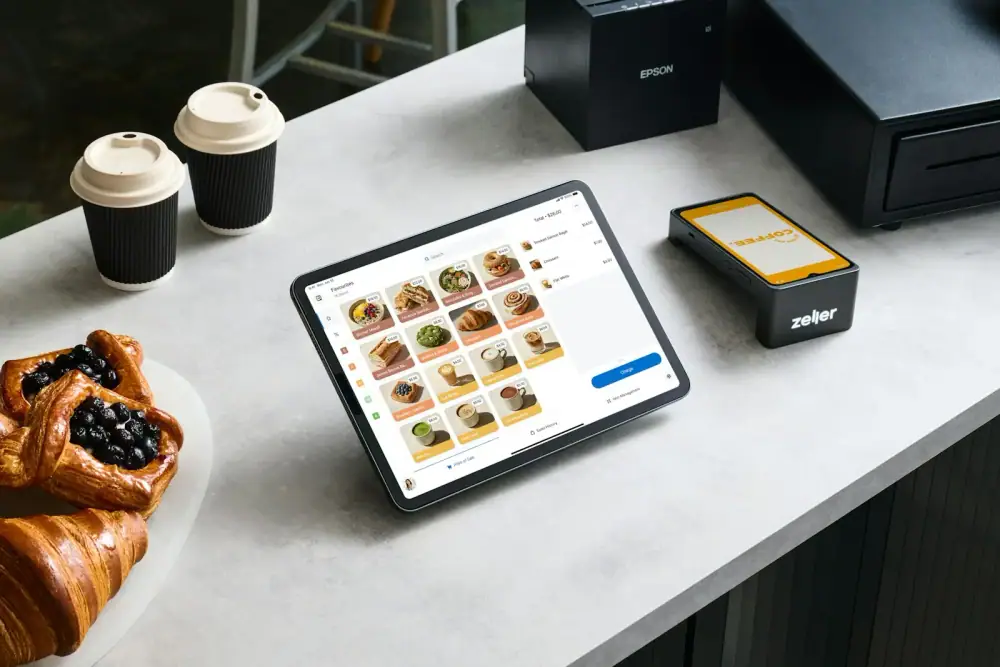
The Point-of-Sale System is a multi-tenant platform for retail and distribution businesses. It covers the whole cycle in one place: selling at the counter, buying from suppliers, tracking stock across locations, taking payments and understanding profit.
Each business has its own private data, users and settings, while a separate super-admin area manages the businesses on the platform. The cashier screen keeps working even when the internet drops, and syncs automatically when it comes back.
Highlights
The main things Point-of-Sale System does
The essentials at a glance. The complete list is further down the page.
Fast cashier screen
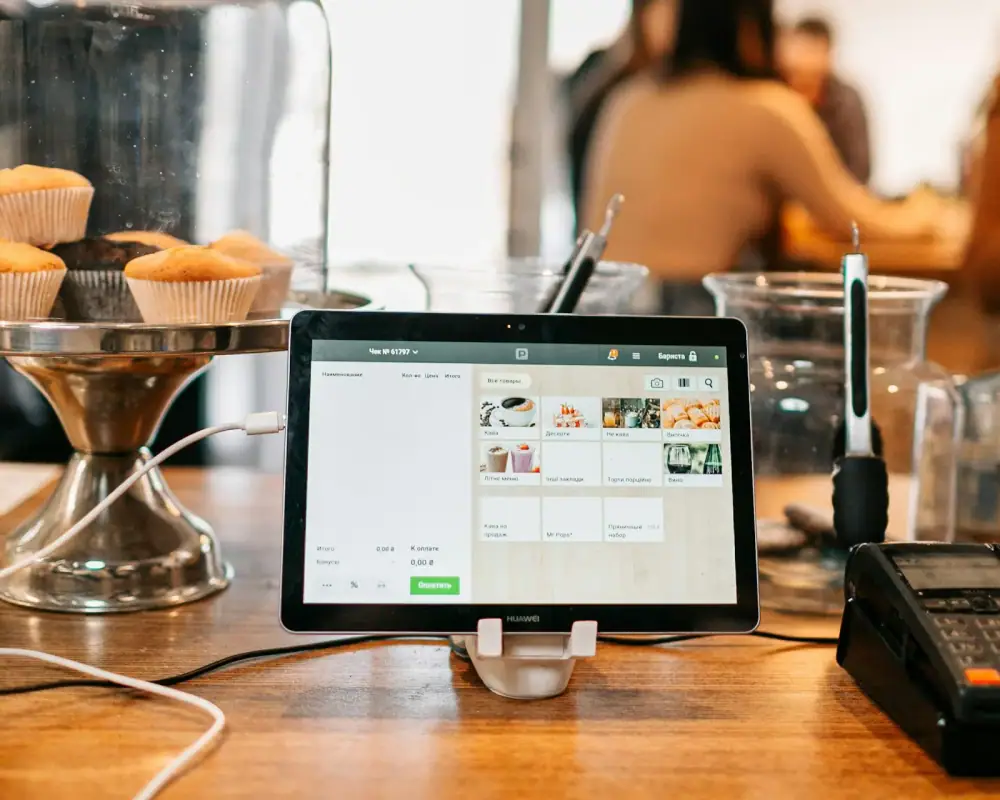
Scan a barcode or search by name or SKU, add items, apply discounts and finish the sale in a few taps.
Pricing, discounts & tax
Walk-in and wholesale pricing, per-item and extra discounts, and tax, all calculated automatically.
Customers & ledgers
Customer credit (khata) balances, party statements and ledgers, salesman ledgers and customer-specific rates.
Inventory & locations
Stock per product across locations, with low-stock and out-of-stock views, inventory valuation, stock adjustments and movements.
Purchases & returns
Purchase orders, purchase returns and sale returns, with stock adjusting automatically.
Reports & exports
Sales, purchase, product, inventory, customer, expense, payment and profit reports, exportable to Excel, CSV and PDF.
How it works
From first use to daily routine
- 01
Set up the business
Add products, categories, brands, units, locations, customers and user accounts.
- 02
Sell at the counter
Scan or search, apply discounts and tax, choose how the customer pays and print the receipt.
- 03
Buy, receive and return
Raise purchase orders, receive stock, and handle purchase and sale returns.
- 04
Review and export
Check sales, stock and profit, and export reports to Excel, CSV or PDF.
Complete feature list
Everything Point-of-Sale System can do
Grouped by job, so you can find what you care about. Use the list on the left to jump to a section.
- Built with
- Angular
- Offline-ready
- Multi-tenant
Selling at the counter
Everything the cashier needs to make a sale quickly and correctly.
- Scan a barcode or search by name or SKU
- Walk-in and wholesale prices
- Discount on each item, plus an extra discount on the bill
- Tax added automatically
- Choose how the customer pays (cash, bank or other payment account)
- Credit sales: the unpaid balance goes to the customer's account
- Print receipts and invoices in English or Urdu
- Quotations before the sale
- Online orders and pre-orders
Products & stock
Know what you have, where it is and what is running out.
- Products with brands, categories and units
- Barcode labels for products
- Stock in every location and bin location
- History of every stock movement
- Stock adjustments with a record of why
- Low-stock and out-of-stock lists
- Inventory valuation
- Alerts when stock counts disagree
- Product price manager
Buying from suppliers
Order, receive and pay for stock without losing track.
- Purchase orders
- Purchase invoices with photos attached
- Receive stock straight into inventory
- Purchase returns to suppliers
- Supplier accounts and ledgers
- Vendor records
Customers & credit
Keep every customer's details, rates and balance in one place.
- Customer records and customer types
- Special rates for selected customers
- Credit (khata) balances
- Customer ledger and statements
- Invoice history for each customer
- Sale returns
- Salesman records and salesman ledgers
Money & accounts
See where the money comes from and where it goes.
- Expenses with expense categories
- Bank and payment accounts
- Transactions and a general ledger
- Daily cash flow
- Total receivable (owed to you) and payable (you owe)
Shipping & parcels
Pack and send online orders with the right paperwork.
- Parcel labels
- Address slips
- Shipping records and receipts
- Online order tracking
Reports
Clear reports for any day, product or customer, ready to print or export.
- Sales reports: today, by period and day by day
- Purchase reports
- Product sales history and product profit
- Profit and loss
- Stock and daily stock reports
- Aging report for unpaid balances
- Customer and supplier ledgers
- Charts and a sales calendar
- Export to Excel, CSV and PDF
Dashboard
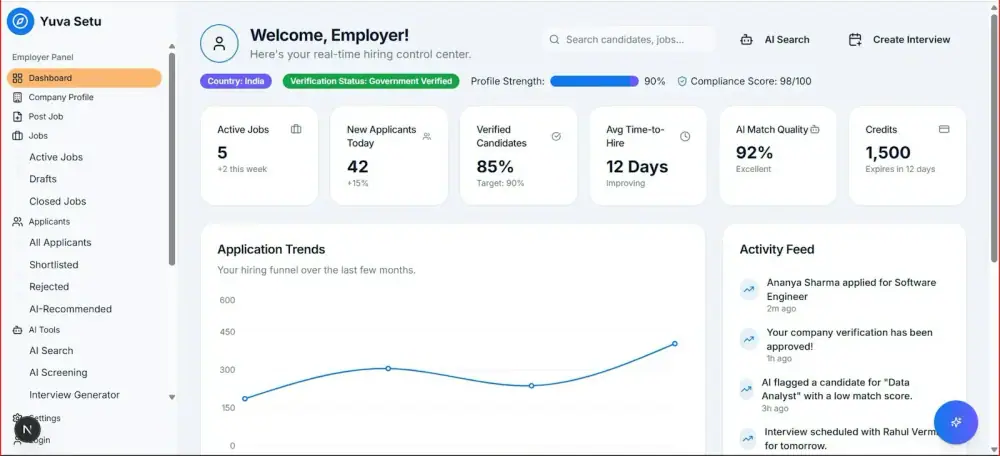
A quick picture of the business the moment you log in.
- Today's and this week's sales
- Number of low-stock items
- Receivable and payable totals
- Sales chart for the last 7 days
- Recent sales
- Overall business counts
Team, security & system
Control who can do what, and keep working whatever happens.
- Users and roles
- Employee records, daily attendance and tasks
- Activity history of who did what
- Many businesses on one platform, each with its own data
- Super-admin area to manage the businesses
- Works without internet and syncs automatically
- Settings and profile
01
The challenge
Shops and distributors often track sales in one place, stock in another and purchases in a notebook. Numbers disagree, credit balances get lost and profit is hard to measure.
02
Our solution
One system records every sale, purchase, return and payment, so inventory, customer balances and profit are always calculated from the same data.
03
The outcome
Faster counters, fewer stock surprises and reports you can trust, hosted securely in the cloud.
Industry
Retail & Distribution
Focus areas
Sales · Stock · Customers
Delivery
Secure cloud platform
Support
Ongoing updates
How we deliver
- 01
Discover
We learn your workflow and goals.
- 02
Build
We design and develop the system around them.
- 03
Deploy
We launch it securely on the cloud.
- 04
Support
We keep improving it with you.
FAQ
Common questions
Anything else you want to know? Ask us and we will walk you through it.
Contact usWhat does multi-tenant mean?
Several separate businesses can use the same platform, each with its own private data, products, users and settings.
Does it work without internet?
Yes. The cashier screen keeps working offline. Sales are saved on the device and sync automatically when the connection returns.
Can I export my reports?
Yes. Reports can be exported to Excel, CSV and PDF.
Can it be customised for my business?
Yes. We can adapt workflows, fields and reports to match the way your business actually works.
Can I see it before deciding?
Yes. Request a demo and we will walk you through the system using your own scenarios.
Is support included?
Yes. CodingHub provides ongoing support and updates after your system goes live.